Dashboard Overview
The Glancito dashboard gives you a complete view of your loyalty program performance at a glance.
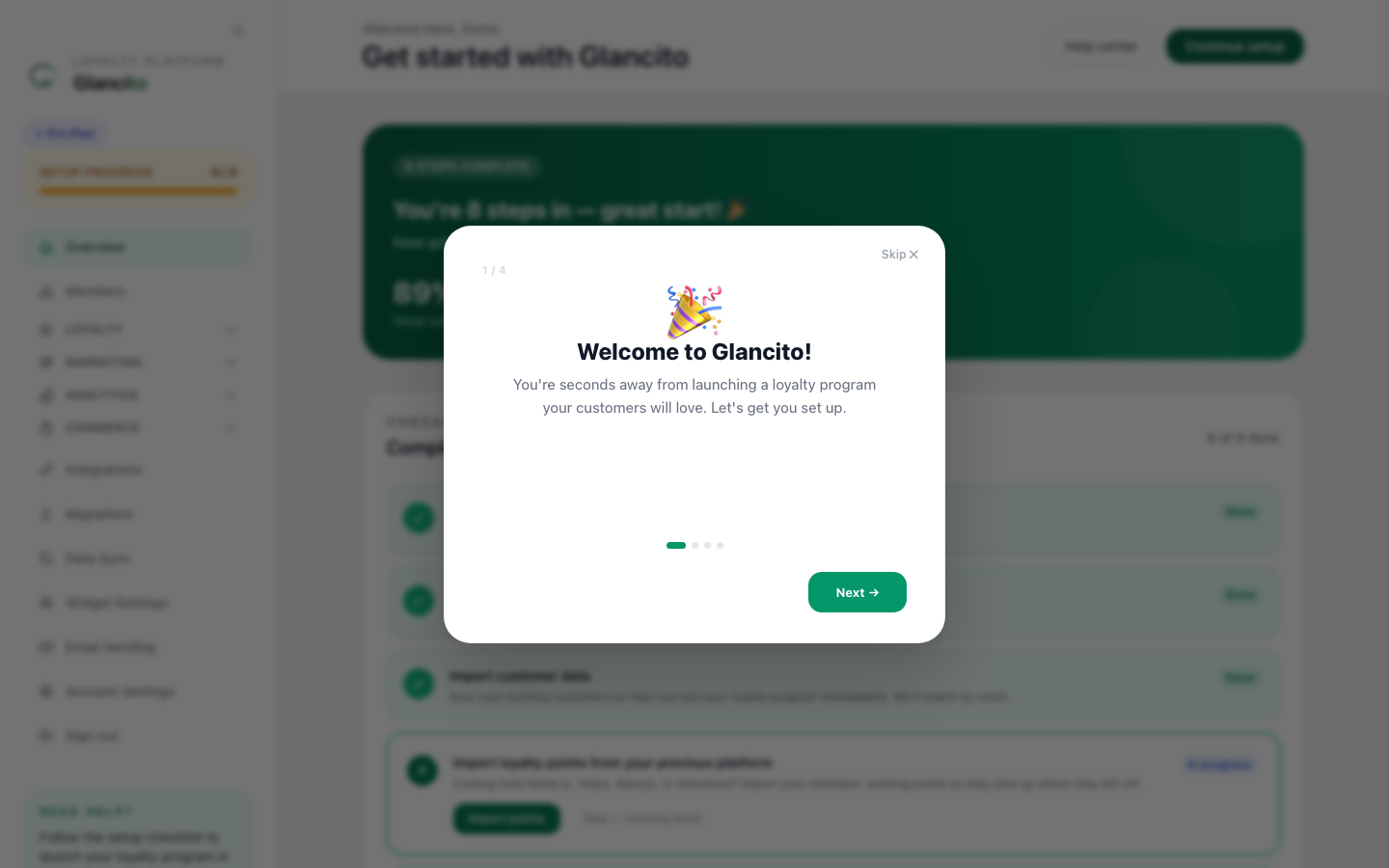
Main Dashboard (Home)
When you log in, you'll see your Program Overview with key metrics:
Cards at the Top
| Metric | What It Means |
|---|---|
| Active Members | Total customers enrolled in your loyalty program |
| Total Points Issued | Sum of all points earned across all members |
| Total Points Redeemed | Sum of all points spent on rewards |
| Pending Rewards | Rewards awaiting fulfillment (discount codes not yet used) |
Charts
- Points Over Time — Line chart showing daily points earned vs. redeemed (last 30 days)
- Top Earning Rules — Which earn rules drive the most engagement
- Member Growth — How many new members join each week
Left Sidebar Navigation
🏠 Home
Main dashboard with all metrics and charts.
👥 Members
View all members, search by name/email, and drill into individual member profiles.
🎁 Rewards
Manage your redemption options.
📊 Segments
Create targeted customer groups for campaigns.
📈 Analytics
Deep dive into program performance.
⚙️ Settings
Configure your program, earn rules, and integrations.
Key Actions
Quick Actions (Top Right)
- Export Members — Download member list as CSV
- Send Campaign — Create and launch an email campaign
- Settings — Access all configuration options
Member Profile Actions
From any member's profile, you can:
- Grant Points — Award points manually
- Deduct Points — Reverse points if needed
- Send Email — Compose a personalized email
- Add to Segment — Include them in a specific segment
- Export Transactions — Download their transaction history
What's Next?
- Set Up Earn Rules to customize how customers earn
- Create Rewards to give customers redemption options
- Run Your First Campaign to drive engagement