Setting Up Earn Rules
Earn rules define exactly how your customers gain points. You can combine multiple rules to create a flexible earning system.
Accessing Earn Rules
Click Loyalty → Earn Rules in the left sidebar:
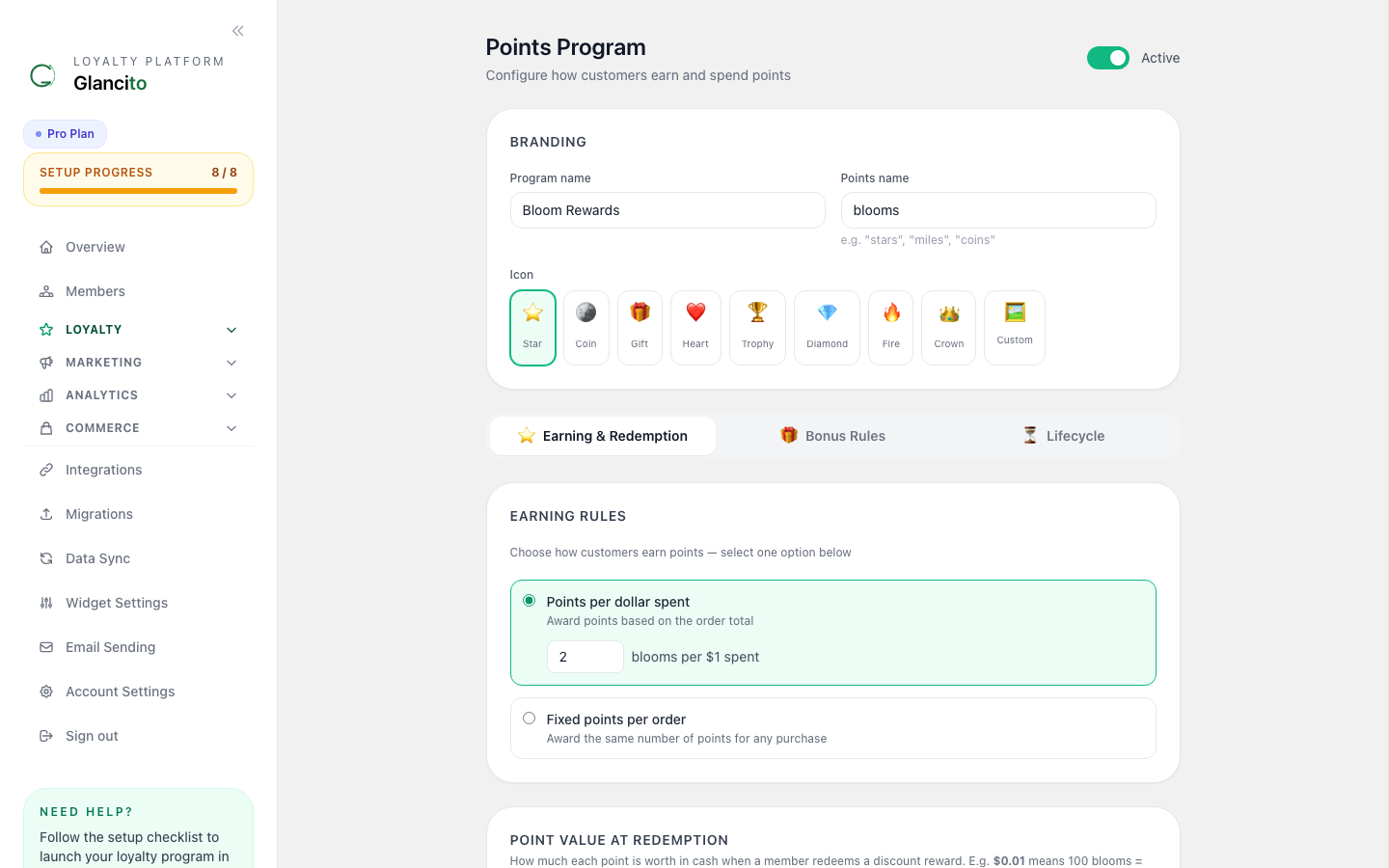
Each rule card shows its type, status (active/paused), points value, and conditions.
Built-In Earn Rule Types
Click Add Rule to open the creation form:
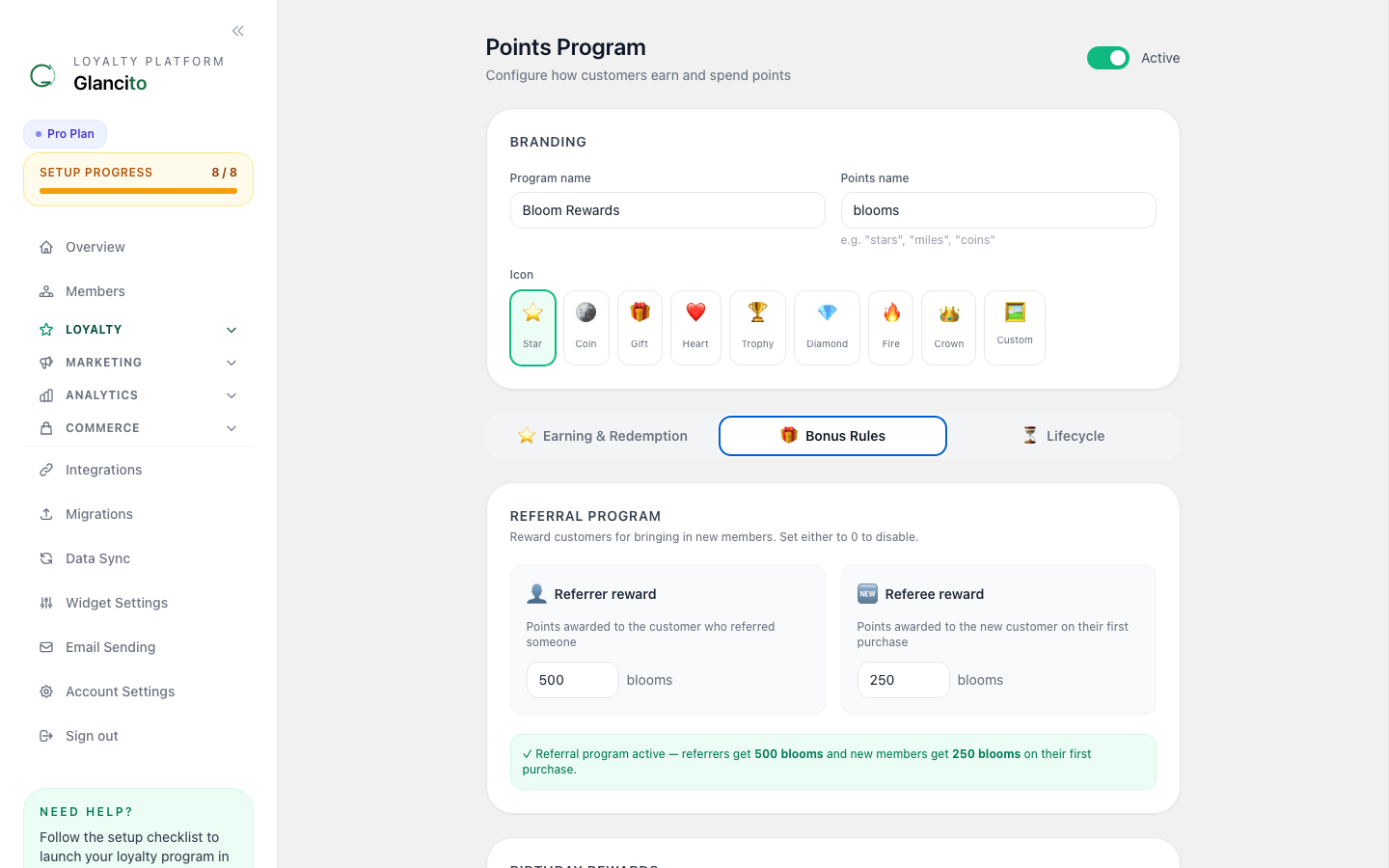
Choose the rule type, configure its parameters, and save. The rule becomes active immediately.
1. Purchase Rule
When: Customer completes a purchase Earn: Points based on order amount
Set Points Per Dollar (e.g. 1 pt/$1). Optionally set a minimum order value or cap the maximum points per order. Example: Customer spends $50 → earns 50 points.
2. Sign-Up Rule
When: Customer first enrolls in your loyalty program Earn: Flat bonus points
Set Bonus Points (e.g. 100). Points are awarded immediately on enrollment. Example: New member joins → gets 100 bonus points.
3. Referral Rule
When: Customer successfully refers a friend who makes a purchase Earn: Points for both the referrer and referee
Set Referrer Points and Referee Points separately. You can require a minimum purchase amount. Example: Customer refers a friend who spends $25 → referrer gets 200 pts, referee gets 100 pts.
4. Birthday Rule
When: Customer's birthday matches today's date Earn: Birthday bonus points
Set Birthday Points (e.g. 300). Points are awarded at midnight on the member's birthday. Example: March 15 is the customer's birthday → they receive 300 points automatically.
5. Review Rule
When: Customer leaves a product review Earn: Points for participating
Set Points Per Review (e.g. 25). Optionally restrict to verified purchasers. Example: Customer leaves a 5-star review → gets 25 points.
Managing Your Rules
Enable/Disable Rules
Each rule card has a toggle to activate or pause it. Pausing a rule stops future points awards without deleting the rule.
Edit a Rule
Click Edit on any rule card, update the configuration, and save. Edits apply to future earnings only — past points are not recalculated.
Delete a Rule
Click the delete button and confirm. Past points already awarded are preserved.
Combining Multiple Rules (Stacking)
You can create multiple rules so customers earn points in different ways:
Example: Three Active Rules

Rule 1: Purchase          → 1 point per $1 spent
Rule 2: Sign-Up Bonus     → 100 points at enrollment
Rule 3: Referral          → 200 points per successful referral

A new customer's journey:
  Join               → +100 points (Rule 2)
  $50 purchase       → +50 points  (Rule 1)
  Refer a friend     → +200 points (Rule 3)
  ────────────────────────────
  Total Earned       → 350 points
Best Practice: Don't stack too many rules or points inflate and rewards become worthless.
Best Practices
Start Simple
- Begin with just a Purchase Rule (1 point per $1)
- Monitor engagement for 2-4 weeks
- Add additional rules based on what drives behavior
Stack Strategically
- Base rule: Purchase (recurring earnings)
- Bonus rules: Sign-up, referral, birthday (drive specific actions)
- Limit to 3-5 active rules to keep it manageable
Monitor & Adjust
- Check Analytics → Earn Rules monthly
- Look at which rules drive the most engagement
- Disable underperforming rules
- Increase points for rules you want to encourage
Avoid Point Inflation
- If everyone earns 100 points per purchase, rewards need to cost 10,000+ points
- Keep earning and redemption in balance
- If you increase earning, increase reward costs proportionally
Examples of Effective Stacks
Aggressive Growth:
- Purchase: 2 points per $1
- Sign-up: 200 points
- Referral: 500 points per friend
- Best for: New stores, competitive markets
Balanced:
- Purchase: 1 point per $1
- Sign-up: 100 points
- Birthday: 150 points
- Best for: Established stores, steady growth
Conservative:
- Purchase: 0.5 points per $1
- Sign-up: 50 points
- Best for: High-margin stores, exclusive programs
Troubleshooting
Points not awarding?
- Verify the rule is Active (toggle is on)
- Check the rule conditions (e.g., minimum purchase amount)
- Wait 5 minutes for processing
- See Common Issues
Points awarded too much?
- Check your point multiplier (is it 1 instead of 0.5?)
- Review rule stacking (rules might be adding up unexpectedly)
- Disable rules to isolate the issue
Need to adjust points retroactively?
- Rules only affect future earnings
- To adjust past earnings, use Members → [Customer] → Adjust Points
Next Steps
- Create Rewards that customers can redeem their points for
- Run Your First Campaign to promote your earn rules
- Check Analytics to see which rules perform best